
I'm an SMB Owner — Do I Actually Need Cybersecurity?
The honest answer is yes, and it stopped being optional years ago. Here is why hackers target small businesses, the 80/20 of protection that stops most attacks, and what it should cost.

TL;DR
Yes — and it stopped being optional. Most attacks on small businesses are automated and opportunistic: bots scan the entire internet for weaknesses and exploit whatever is exposed regardless of company size, so 'too small to matter' is a myth.
Key takeaways
- The high-leverage 80/20 — MFA everywhere, modern EDR on every device, tested offline backups, patching, and trained employees — stops the large majority of attacks.
- The three attacks that cause most SMB damage are phishing (the #1 entry point), ransomware, and business email compromise (BEC).
- Attackers most hate the same controls that protect you: MFA, EDR, reliable backups, and trained staff — and most breached SMBs were missing two or more of them.
- A single serious incident routinely costs tens to hundreds of thousands of dollars once downtime, recovery, lost customers, and legal exposure are counted — far more than prevention.
- For most SMBs an MSP delivers enterprise-grade protection at a predictable monthly per-seat price, beating DIY or an expensive in-house hire.
TL;DR
Yes — and it stopped being optional. Most attacks on small businesses are automated and opportunistic, so "too small to matter" is a myth: a large share of all cyberattacks now hit SMBs, the majority involve ransomware, and many victims are out of business within months.
Key takeaways:
- Attacks are automated — bots scan the whole internet and exploit whatever is exposed, regardless of company size.
- The 80/20: MFA, modern EDR, tested offline backups, patching, and trained staff stop the majority of attacks.
- A single serious incident routinely costs tens to hundreds of thousands — far more than prevention.
- What attackers hate most: MFA, EDR, reliable backups, and trained employees.
- For most SMBs, an MSP delivers enterprise-grade protection at a small-business price.
You run a small business. You have payroll to make, customers to keep happy, and a hundred fires closer than "cybersecurity." So you ask the reasonable question: do I actually need this, or is it just something vendors keep trying to sell me?
Here is the honest answer, from someone who has spent decades on both sides of it: yes, you need it, and it stopped being optional several years ago. Not because of fear-marketing — because of how attacks actually work now. Let me show you the real picture, then the practical 80/20 so you do not overspend.
The honest answer: yes — and here's why it isn't optional anymore
The thing most owners get wrong is assuming attacks are targeted. They picture a hacker choosing them specifically and conclude "why would anyone bother with us?" That is not how it works. The overwhelming majority of attacks on small businesses are automated and opportunistic. Bots scan the entire internet for known weaknesses, find yours, and exploit it — they never knew your company name and did not care. You were a door left unlocked, not a target.
That single fact rewrites the whole calculation. "We're too small to matter" assumes someone is choosing. Nobody is choosing. The machine finds everyone.
What counts as an "SMB" in cybersecurity terms?
In security, "SMB" (small and medium-sized business) usually means anything from a handful of employees up to a few hundred. What unites the category is not headcount — it is the capability gap: real data and real money to lose, but no dedicated security team and rarely a full-time security leader. That gap is exactly what makes SMBs the most attacked segment. You have enough to steal and not enough to defend it well. Attackers know this.
Why hackers target small businesses specifically
Beyond "you're an easy door," there are concrete reasons SMBs draw fire:
- Weaker defenses, same valuable data. You hold customer records, payment details, and credentials — the same loot as a big company, behind a fraction of the protection.
- You're a path to bigger targets. If you supply or service larger companies, breaking you is the cheap way into them. Supply-chain attacks start at the small vendor.
- You're more likely to pay. A small business with no backups and a frozen system often pays the ransom because the alternative is going under. Attackers know the math.
The numbers back this up: a large share of all cyberattacks now hit small businesses, the majority involve ransomware, and a frightening fraction of owners who get hit are out of business within months. For a ground-level view of how these attacks actually unfold, read the most common way small businesses get hacked.
What attacks actually hit SMBs
Three account for most of the damage:
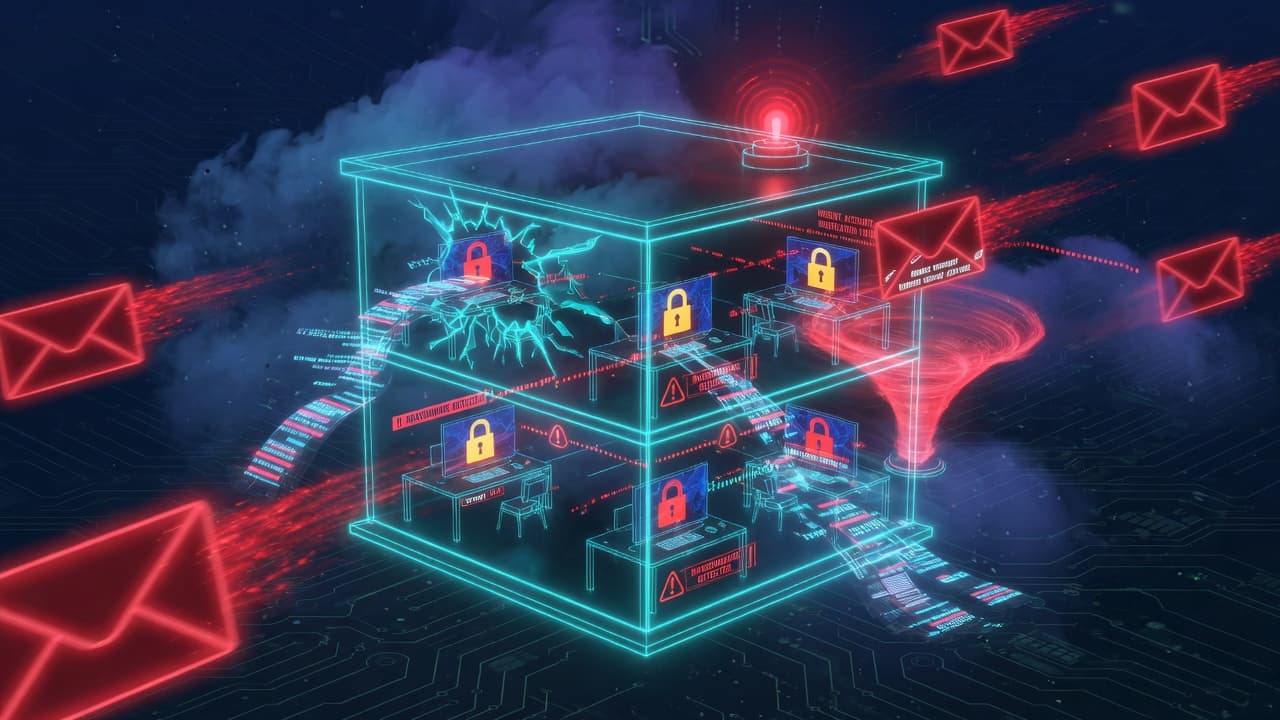
- Phishing — a convincing email tricks an employee into handing over a password or clicking a malicious link. Still the number-one entry point.
- Ransomware — your files get encrypted and you are extorted to get them back. Often the second stage after a phish succeeds.
- Business email compromise (BEC) — an attacker impersonates you or a vendor to redirect a real payment. Quiet, expensive, and devastating.
The 80/20 of SMB cybersecurity
Good news: a small set of controls stops the large majority of these attacks. You do not need an enterprise security program. You need the high-leverage 20%:
- Multi-factor authentication (MFA) everywhere — email, banking, critical apps. This alone blocks the bulk of account-takeover attempts.
- Modern endpoint protection (EDR) on every device — not consumer antivirus, the kind that detects behavior and can isolate a compromised machine.
- Tested, offline backups — so ransomware becomes an inconvenience, not an extinction event. Untested backups do not count.
- Patching — keep systems updated so the automated scanners find nothing to exploit.
- Trained employees — your people are the most-attacked surface; ten minutes of the right training changes outcomes.
That is the 80/20. Implemented properly, those five close most of the doors the bots are rattling.
What do hackers hate the most?
The same list, from their side. Attackers want easy and quiet. They hate MFA (it kills stolen passwords), EDR (it spots and stops them mid-attack), good backups (it removes their leverage), and trained staff (the phish does not land). None of these are exotic or enterprise-only. They are table stakes — and most breached SMBs were missing two or more of them.
How much should an SMB spend on cybersecurity?
Less than you fear, and far less than an incident. Most small businesses can stand up the 80/20 above for a predictable monthly per-seat cost through a provider — typically a fraction of what a single day of downtime would cost. The right framing is not "what does security cost" but "what does not having it cost when the automated scanner finds the open door." For the questions that separate a real provider from a generalist, see what to ask your IT provider.
DIY, hire in-house, or use an MSP?
Three paths, and for most SMBs the third wins:
- Do it yourself — viable only if you have genuine in-house expertise and time. Most owners have neither.
- Hire in-house — a dedicated security person is expensive and hard to retain at your scale.
- Use an MSP/MSSP — a managed provider delivers the tools, monitoring, and expertise as a service. For the vast majority of SMBs this is the right answer: enterprise-grade protection at a small-business price. The vendor-agnostic Fortress Marketplace is how providers assemble exactly the endpoint, email, identity, and backup coverage you need.
What a real attack actually costs an SMB
The ransom is rarely the biggest number. When an SMB gets hit, the real bill is the sum of the parts owners forget to count:
- Downtime. Days or weeks where you cannot operate, invoice, or serve customers. For most small businesses this is the single largest cost.
- Recovery. Incident responders, forensics, rebuilding systems, and the overtime to do all of it.
- Lost customers. The clients who quietly leave once they learn their data was exposed.
- Regulatory and legal. Breach-notification obligations, potential fines, and the lawyers who come with them.
- The premium hit. If you had cyber insurance, next year's renewal reflects the claim — assuming you are renewed at all.
Stacked up, a single serious incident routinely runs into tens or hundreds of thousands. Set against that, the monthly cost of the basics is rounding error.
Your first 30 days: a simple starting plan
If this convinced you and you want momentum, here is a sane order of operations:
- Week 1 — turn on MFA everywhere it is available, starting with email and banking. Free, fast, highest return of anything on this list.
- Week 2 — fix backups. Confirm you have offline, tested backups of anything you cannot afford to lose, then actually run a restore to prove they work.
- Week 3 — get EDR on every device and retire any consumer-grade antivirus still in use.
- Week 4 — talk to a provider. Bring the right questions and decide whether to manage this yourself or hand it to an MSP.
The bottom line
You do not need to become a security expert. You need to stop assuming you are too small to be found — you are not, because nobody is looking, the machine just finds everyone — and put the high-leverage 20% in place. Talk to your MSP or IT provider this week. If you are in Israel and unsure what the law now requires of you, start with the Tikun 13 assessment. And if compliance is the next thing on your mind, read what compliance you actually need.
Frequently Asked Questions
Do small businesses need cybersecurity?
Yes. The majority of attacks on small businesses are automated and opportunistic — bots scan the internet for weaknesses and exploit whatever they find, regardless of company size. SMBs hold valuable data behind weaker defenses, which makes them the most-attacked segment.
What is an SMB in cybersecurity?
In cybersecurity, an SMB (small and medium-sized business) generally means an organization from a few employees up to a few hundred. The defining trait is the capability gap: real data and money to lose, but no dedicated security team or full-time security leader.
What is the 80/20 rule in cyber security?
The 80/20 rule in cybersecurity means a small set of high-leverage controls stops the large majority of attacks. For SMBs that core 20% is multi-factor authentication, modern endpoint protection (EDR), tested offline backups, patching, and employee security training.
What do hackers hate the most?
Attackers most dislike controls that make a target slow, loud, or unprofitable: multi-factor authentication (which defeats stolen passwords), EDR (which detects and stops them mid-attack), reliable backups (which remove ransomware leverage), and trained employees (who do not fall for phishing).
How much should a small business spend on cybersecurity?
Most small businesses can put the essential controls in place for a predictable monthly per-seat cost through a managed provider — typically a small fraction of what a single day of downtime or a ransomware incident would cost.
Explore more: request a demo · zero-touch onboarding

WRITTEN BY
Menachem TaumanCo-Founder & CEO, Fortress Cyber
Serial entrepreneur with 28+ years of experience in cybersecurity and IT. Former CISO who has advised governments, banks, and Fortune 500 companies. Co-founded QMasters, a successful MSSP (exit x1), and pioneered the "Integrative Cyber Defense" approach. At Fortress, he's building the Channel Enablement OS that transforms how MSPs deliver and monetize cybersecurity.
Follow on LinkedIn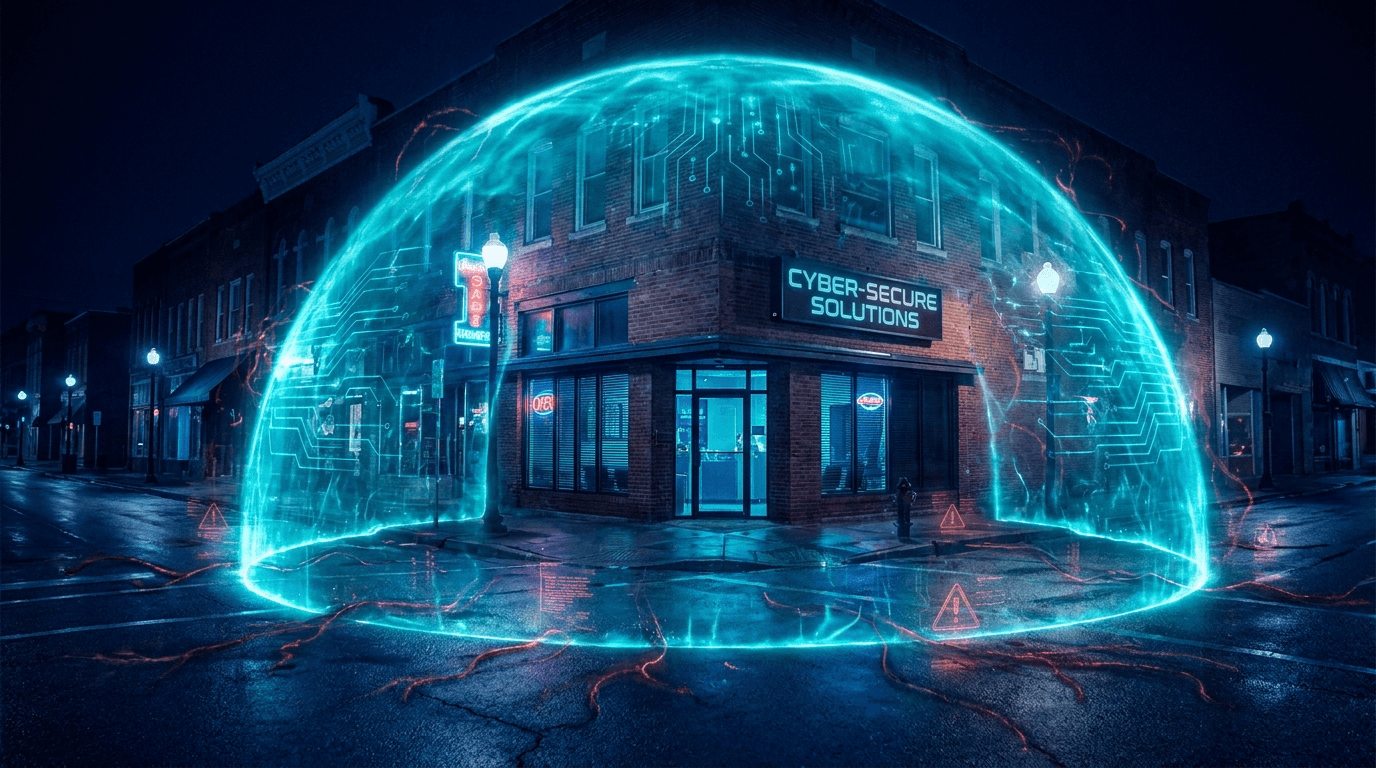
Ready to Transform Your MSP?
See how Fortress can help you build a profitable security practice.
Request a Demo